


Is your inbox running your life? You aren’t alone. In 2025, the average professional spends over 3 hours a day managing email, a statistic that kills productivity and stifles creativity. But there is a better way. The best AI email assistant 2025 has to offer doesn’t just sort spam—it drafts responses, schedules meetings, and summarizes long threads in seconds.
This year, artificial intelligence has evolved from simple auto-completes to fully context-aware agents. Whether you use Gmail, Outlook, or a standalone client, there is a tool designed to give you those hours back. In this guide, we review the top-rated AI email assistants, compare their features, and help you decide which one deserves a spot in your workflow.
Why You Need an AI Email Assistant in 2025
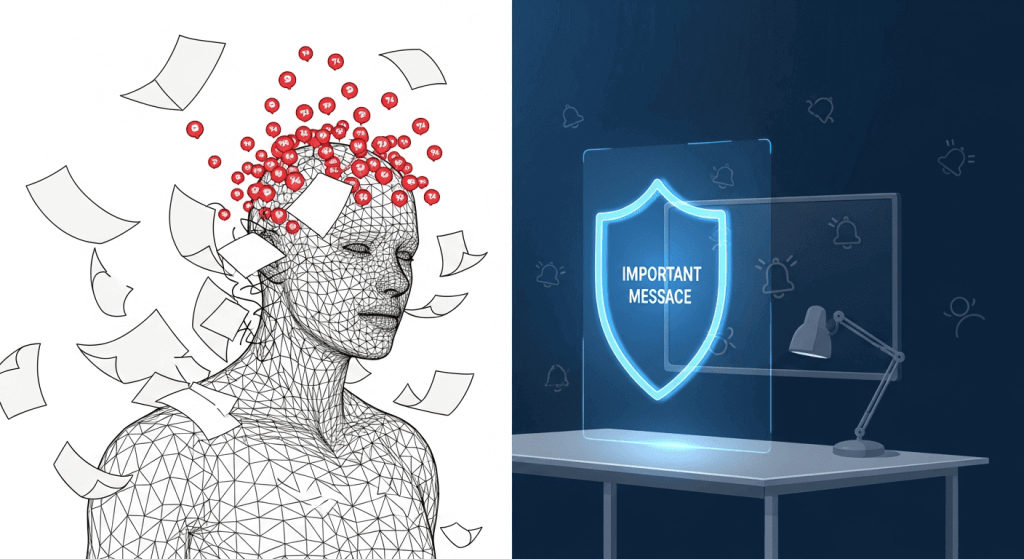
The landscape of work has shifted. According to recent data, 82% of professionals now use AI tools in their inbox daily, and those who do report saving approximately 37% more time than their non-AI counterparts.
Key Benefits
- Time Reclamation: Tools like SaneBox and Superhuman are proven to save users roughly 3 hours per week.
- Mental Clarity: AI filtering reduces decision fatigue by hiding low-priority newsletters and notifications.
- Better Communication: Generative AI helps you strike the perfect tone, whether you need to be empathetic, professional, or concise.
Expert Insight: The real power of AI in 2025 isn’t just writing emails for you; it’s acting as an executive assistant that knows what is urgent and what can wait.
Top 7 Best AI Email Assistants of 2025
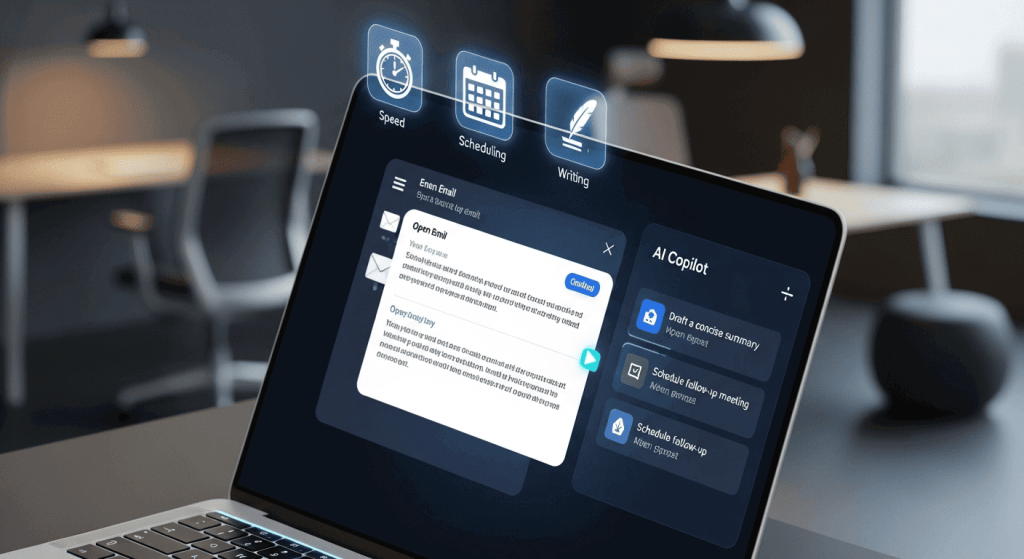
We analyzed the market to bring you the best tools based on features, integration, and value.
1. Superhuman AI – Best for Speed & Power Users
Superhuman has long been the gold standard for speed, and its AI features solidify that lead. It is designed for professionals who want to fly through their inbox without touching a mouse.
- Key Features: “Split Inbox” for organization, AI-powered “Instant Reply” that mimics your voice, and command-line shortcuts.
- Pros: Blazing fast interface; AI summaries are incredibly accurate.
- Cons: Steep learning curve; premium price point.
- Pricing: ~$30/month.
2. SaneBox – Best for Inbox Organization
If you don’t want to switch email clients, SaneBox is the perfect background utility. It works with any provider (Gmail, Outlook, iCloud) to automatically sort incoming mail.
- Key Features: SaneBlackHole for one-click unsubscribing, “SaneLater” folders for distractions, and deep cleaning of old emails.
- Pros: Works everywhere; requires zero behavior change; excellent privacy.
- Cons: No generative writing features (purely organizational).
- Pricing: Starts around $7/month.
3. Microsoft Copilot Pro – Best for Outlook Users
For those embedded in the Microsoft ecosystem, Copilot is a no-brainer. It integrates directly into Outlook, pulling context from your calendar, Word docs, and Teams chats.
- Key Features: Context-aware drafting, thread summarization, and “Sound like me” tone adjustments.
- Pros: Deep integration with Office 365; enterprise-grade security.
- Cons: Can feel clunky compared to lightweight apps; requires Microsoft subscription.
- Pricing: Add-on to Microsoft 365 (approx. $20-$30/user/month).
4. Shortwave – Best for Search & Summaries
Built by former Google engineers, Shortwave reimagines Gmail as a to-do list. Its AI capabilities in search and retrieval are unmatched in 2025.
- Key Features: AI assistant that can answer questions about your inbox (e.g., “When is my flight?”), smart summarization, and bundle grouping.
- Pros: Incredible search capability; modern UI.
- Cons: Only works with Gmail accounts.
- Pricing: Free tier available; Pro starts ~$7/month.
5. Gemini for Workspace – Best for Google Power Users
Formerly Duet AI, Gemini is Google’s native answer to Copilot. It lives inside Gmail and Docs, making it seamless for Workspace users.
- Key Features: “Help me write,” smart replies, and email thread summarization directly in the Gmail sidebar.
- Pros: Native integration (no extensions needed); improves over time with your data.
- Cons: Features can be limited compared to specialized tools like Superhuman.
- Pricing: Add-on for Workspace (approx. $20/user/month).
6. Proton Scribe – Best for Privacy & Security
Privacy-conscious users often fear AI reading their emails. Proton Scribe solves this by running local AI models that draft emails without sending data to third parties.
- Key Features: Zero-access encryption, local-first AI drafting, and secure proofreading.
- Pros: Unmatched privacy; open-source transparency.
- Cons: AI features are less advanced/creative than cloud-based competitors.
- Pricing: Included in Proton Duo/Business plans (~$19.99/month).
7. Lavender – Best for Sales Professionals
Lavender is a niche AI assistant built specifically for sales teams sending cold outreach. It scores your emails before you hit send to maximize open rates.
- Key Features: Real-time email coaching, personality analysis of recipients, and mobile optimization checks.
- Pros: Directly drives revenue; data-backed writing suggestions.
- Cons: Overkill for general users; specific to sales use cases.
- Pricing: Starts at $29/month.
Quick Comparison: Top AI Email Tools
| Tool | Best For | Primary AI Feature | Pricing Model |
|---|---|---|---|
| Superhuman | Speed & Efficiency | Instant Reply & Split Inbox | Subscription (~$30/mo) |
| SaneBox | Organization | Smart Filtering | Tiered (Starts ~$7/mo) |
| Shortwave | Search & History | Q&A with your Inbox | Freemium |
| Copilot | Enterprise / Outlook | Ecosystem Context | Add-on License |
| Lavender | Sales Outreach | Email Scoring & Coaching | Per User / Month |
How to Choose the Right Tool
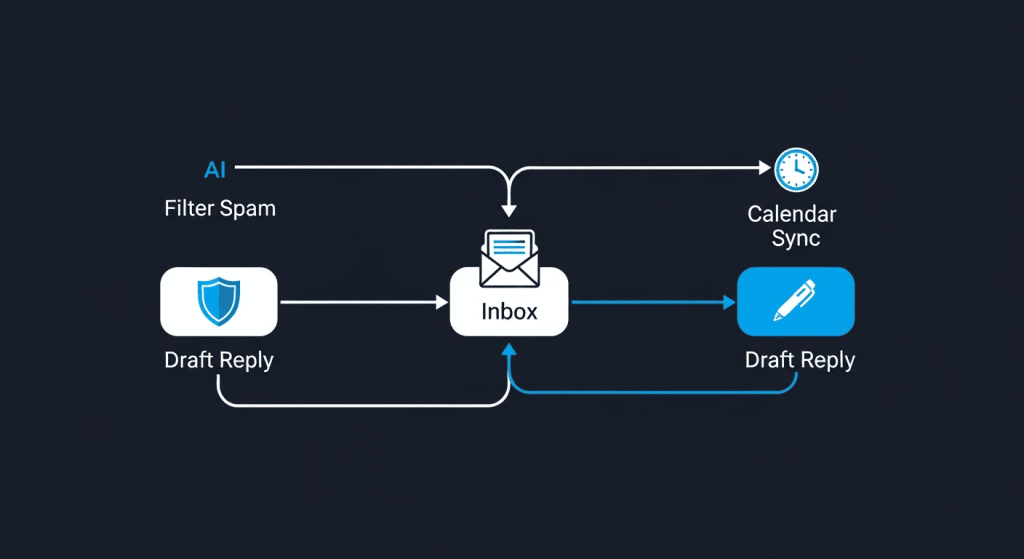
Choosing the best AI email assistant 2025 depends on your specific bottleneck.
- If you are drowning in newsletters: Choose SaneBox. It clears the clutter without changing your workflow.
- If you spend hours writing replies: Choose Copilot or Gemini (depending on your email provider) for their generative text capabilities.
- If you want speed above all else: Superhuman is the investment that pays for itself in reclaimed hours.
Privacy Considerations
As AI models process your private data, security is paramount. In 2025, look for tools that are SOC-2 compliant and offer “zero data retention” policies for their AI models. Tools like Proton Scribe set the standard here, but enterprise tools like Copilot also offer robust commercial data protection.
Frequently Asked Questions (FAQ)
1. Will using an AI email assistant compromise my privacy?
Most reputable paid tools (like SaneBox or Copilot) use commercial API agreements that prevent your data from training public AI models. However, always check the privacy policy. Free extensions are riskier and may monetize your data.
2. Can AI write emails that sound like me?
Yes. Tools like Superhuman and Lavender analyze your sent folder to learn your writing style, tone, and common phrases, allowing them to draft replies that sound authentic to you.
3. Do these tools work on mobile?
Yes. Most modern AI assistants have robust mobile apps. Shortwave and Superhuman, in particular, offer excellent mobile experiences that sync perfectly with their desktop counterparts.
4. Is there a free AI email assistant?
Shortwave and Missive offer generous free tiers. However, for advanced features like unlimited AI history or “black hole” filtering, you will typically need a paid subscription.
5. Can I use multiple AI tools together?
Absolutely. A common “power stack” in 2025 is using SaneBox (backend filtering) combined with Superhuman (frontend interface). This gives you the best organization and the best writing speed simultaneously.
Conclusion
The era of manual email triage is ending. The best AI email assistant 2025 offers isn’t just a luxury—it’s a necessity for staying competitive and sane in a high-speed digital world. Whether you choose the raw speed of Superhuman, the seamless integration of Copilot, or the organizational genius of SaneBox, the goal is the same: spend less time in your inbox and more time on high-value work.
Ready to reclaim your time? Start with a free trial of SaneBox for organization or Shortwave for a new inbox experience, and see how much lighter your workday feels.