

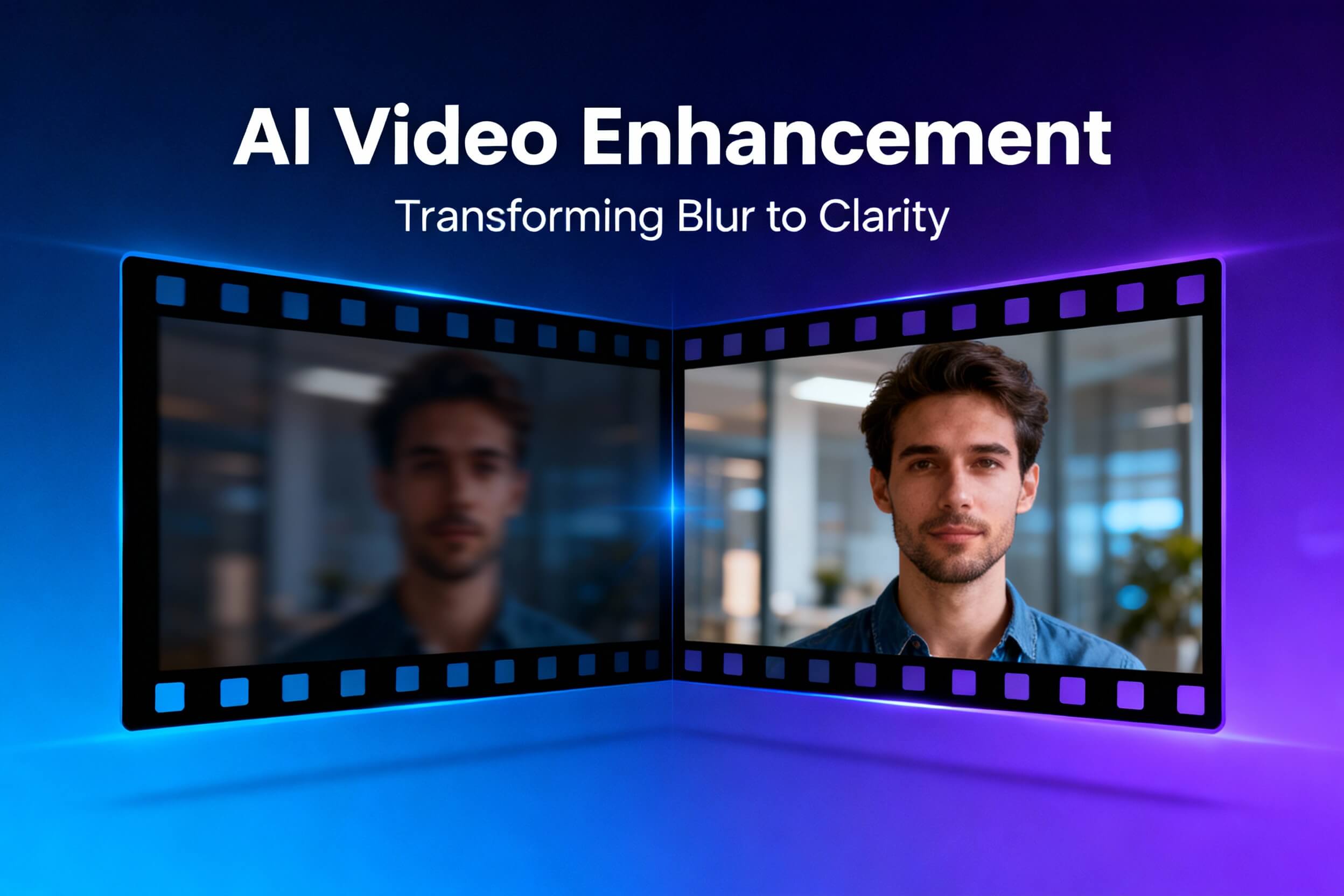
If you’re a content creator struggling with low-quality footage, outdated video archives, or the need for professional-grade video enhancement without Hollywood budgets, a Topaz Video AI review is exactly what you need to make an informed decision. Topaz Video AI has become the go-to solution for filmmakers, YouTube creators, and video editors who want to transform grainy, blurry, or low-resolution footage into stunning 4K or 8K content using artificial intelligence.
In this comprehensive review of Topaz Video AI, we’ll explore everything from its impressive AI upscaling capabilities to pricing, system requirements, and whether it truly delivers on its promises. Whether you’re thinking about upgrading old family videos, rescuing footage shot on smartphones, or creating professional content for your audience, understanding what Topaz Video AI offers will help you determine if this tool is the right investment for your workflow.
What Is Topaz Video AI?
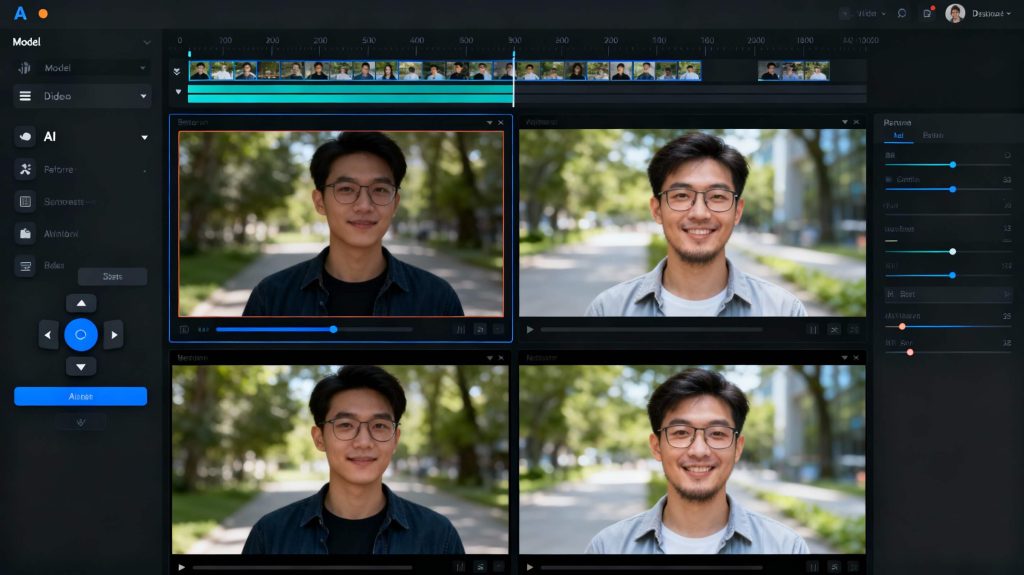
Topaz Video AI is an AI-powered desktop application developed by Topaz Labs that specializes in video enhancement and restoration. Rather than simple pixel stretching or interpolation, this software uses advanced machine learning algorithms trained on millions of video frames to intelligently analyze and reconstruct video footage with remarkable accuracy.
The software operates using 24 temporally-aware AI models, meaning each model understands how video content moves and changes frame-by-frame. This temporal awareness is critical—it ensures that when you upscale a 720p video to 4K, the enhancement looks natural and consistent across all frames, not just individually polished frames that flicker when played back.
Key Capabilities
AI-Powered Upscaling to 4K, 8K & Beyond
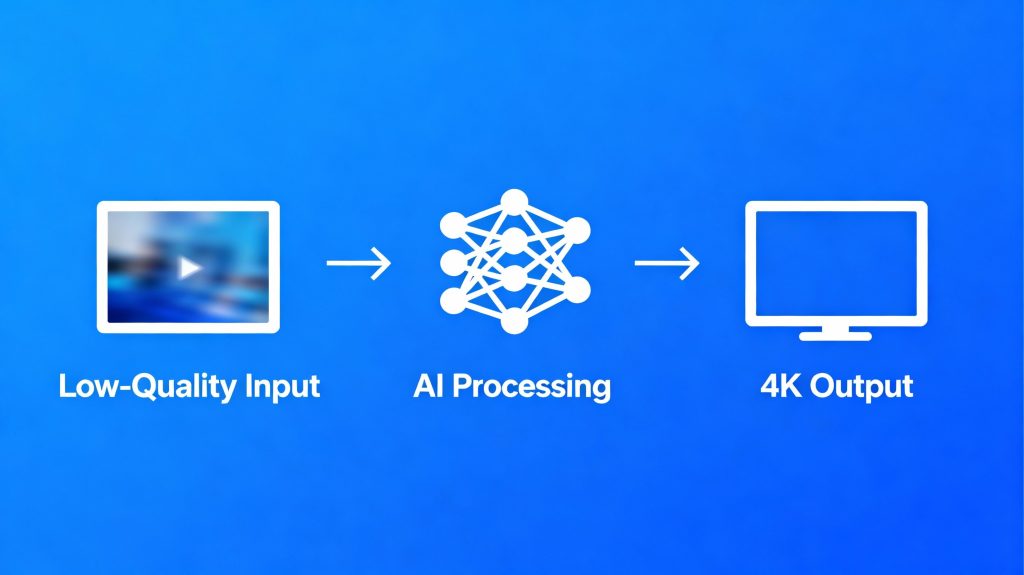
The headline feature allows you to upscale videos from SD (480p) all the way to 16K resolution. Unlike traditional upscaling methods that simply enlarge pixels, Topaz Video AI analyzes frame content to reconstruct realistic details. A blurry 720p video can appear as though it was natively shot in 4K, with improved sharpness, texture detail, and natural color reproduction.
Frame Interpolation & Slow-Motion Generation
Create buttery-smooth slow-motion effects by generating new frames between existing ones. Convert 24fps footage to 60fps, 120fps, or even 240fps without the stuttering artifacts common in older tools. This feature is invaluable for sports highlights, action sequences, or cinematic effects.
Advanced Stabilization
Handheld camera shake, panning, rotation, and slow-shutter blur are intelligently reduced using motion-aware algorithms. Old archival footage or beginner videographer content becomes professional and watchable.
Noise Reduction & Artifact Removal
The software distinguishes between actual detail and compression noise, removing the latter while preserving image information. Old VHS tapes, noisy ISO footage, and heavily compressed videos are restored with minimal loss of authenticity.
Face Recovery & Enhancement
Dedicated AI models like Iris focus specifically on facial details, intelligently enhancing blurry or low-resolution faces while maintaining natural appearance. This is particularly useful for interview footage or talking-head videos.
Batch Processing
Queue dozens of videos for overnight processing. Set different parameters for each clip, and let the AI handle the work automatically without crashes or manual intervention between files.
Performance & Speed Analysis
One of the most frequently asked questions about Topaz Video AI is: “How fast does it actually process?” The answer depends on your hardware, but significant improvements have been made in the 2025 version.
Processing Benchmarks
On a mid-range laptop (NVIDIA RTX 3060, Intel i7):
- 10 minutes of 1080p video upscaled to 4K: approximately 35 minutes
On a high-end desktop (NVIDIA RTX 4090, Ryzen 9):
- Same 10-minute 1080p to 4K task: approximately 12 minutes
This represents up to 3x faster processing than earlier versions, thanks to improved GPU acceleration and multi-threaded processing architecture.
For a more specific example: upscaling a 30-second 720p video at 60fps to 4K typically requires 12-14 minutes of processing time on modern consumer hardware. While this may seem lengthy, it’s significantly faster than competing solutions and represents professional-grade quality output.
Topaz Video AI Models Explained
Understanding Topaz Video AI’s different AI models helps you choose the right tool for your specific footage. The software includes specialized models for different enhancement goals:
Proteus & Artemis – General upscaling with automatic enhancement detection
Iris – Specializes in facial detail recovery and preservation
Nyx – Focused purely on noise reduction and compression artifact removal
Starlight Sharp – Advanced detail recovery for challenging footage
Apollo & Chronos – Frame interpolation for smooth slow-motion effects
Aion – Handles large motion and 16x slow-motion capabilities
Themis – Motion blur reduction from panning, rotation, or fast motion
HyPerion – Converts standard dynamic range (SDR) to HDR with expanded color range
Most users find that Proteus offers excellent versatility for general footage, while Nyx consistently delivers the least distortion for noise-heavy content.
Topaz Video AI Pricing & Subscription Model
Topaz Labs recently transitioned from perpetual licenses to a subscription model, which impacts your long-term investment decisions.
Current Pricing Structure
Topaz Video AI is available through a subscription model with two main plans. Here’s the latest official pricing from Topaz Labs:
- Topaz Video – Personal Plan:
$33 per month (billed monthly)
or $299 per year (billed annually) - Topaz Video – Pro Plan:
$67 per month (billed monthly)
or $699 per year (billed annually)
Topaz Labs has also announced that they will discontinue perpetual licenses starting October 3, 2025. Existing perpetual license owners will keep their purchased version forever, but new perpetual licenses will no longer be sold after that date. The previous perpetual price for Video AI was around $299.
System Requirements & Hardware Needs
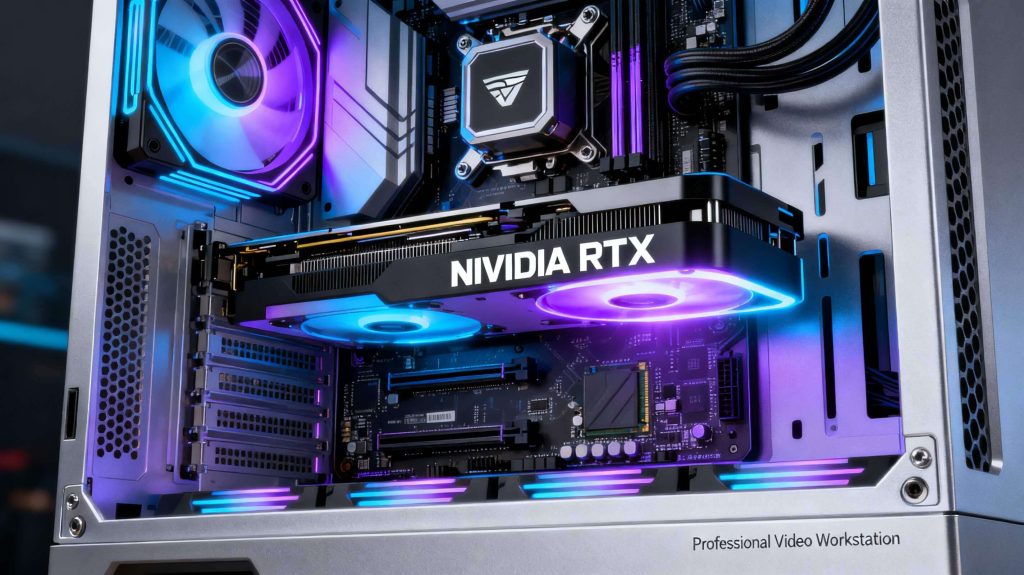
Before purchasing Topaz Video AI, verify your system meets the requirements:
Minimum Requirements
Windows/Mac
- Intel CPU from 2015 or later / AMD CPU from 2016 or later
- 8GB RAM (16GB recommended)
- DirectX 12 compatible GPU with 4GB VRAM minimum
- NVIDIA GTX 900 series or higher OR AMD Radeon 400 series or higher
Recommended Specifications
- 16-32GB RAM
- NVIDIA RTX 3000 series or higher with 8GB VRAM
- AMD Radeon RX 5000 series or higher with 8GB VRAM
- SSD storage for working files
Optimal Performance
- 32GB+ RAM
- NVIDIA RTX 4090 with 24GB VRAM (best option for 8K workflows)
- Dedicated workstation-class setup
Important Note: Integrated graphics perform poorly with Topaz Video AI. A dedicated GPU is essentially required for practical use.
Pros & Advantages
Outstanding Output Quality – Few tools match the cinematic, natural-looking results Topaz Video AI produces, especially when upscaling older or low-resolution footage.
Versatile AI Models – The range of specialized models covers nearly every video enhancement need, from noise reduction to frame generation.
User-Friendly Interface – The redesigned dashboard with real-time preview and side-by-side model comparison makes it approachable for beginners while satisfying advanced users.
Batch Processing Excellence – Process dozens of videos overnight with different settings for each clip.
Professional-Grade Results – Output quality rivals expensive video production services at a fraction of the cost.
Continuous Updates – Subscription model means ongoing access to improved models and new features like the new Starlight Sharp and Nyx XL models.
Stable Performance – The 2025 version includes crash recovery features and improved stability during long processing sessions.
Cons & Limitations
Resource Intensive – Requires modern, powerful GPU; older computers or laptops will struggle significantly.
Steep Learning Curve for Advanced Users – While the interface is approachable, mastering model selection and parameters requires experimentation.
Trial Version Limitations – The free trial includes watermarked output and restricted resolution (capped at 720p-1080p), making it unsuitable for actual project work.
Processing Time – Even with modern GPUs, upscaling long videos takes considerable time. Batch processing helps but means overnight rendering queues.
Subscription Model – The shift from perpetual licenses to subscriptions means ongoing costs. Some longtime users resisted this change.
Can Produce Unnatural Results – Aggressive settings may create a “painterly” or over-processed look, especially with animation or specialized content.
Limited Mobile/Cloud Options – Topaz Video AI is a desktop-only application requiring substantial local processing power; no cloud-based alternative exists within the Topaz ecosystem.
Who Should Use Topaz Video AI?
Topaz Video AI is ideal for:
- YouTube Content Creators rescuing old footage or enhancing smartphone recordings
- Filmmakers & Videographers restoring archival footage or creating slow-motion effects
- Video Editors who regularly work with mixed-quality source material
- Photographers expanding into videography and needing professional enhancement tools
- Sports & Action Videographers creating highlight reels with frame interpolation
- Documentary Makers restoring historical footage
It’s less suitable for casual users with simple editing needs or those without dedicated GPU hardware.
Topaz Video AI Alternatives
If Topaz Video AI doesn’t fit your needs, alternatives include:
Aiarty Video Enhancer – Similar quality at a lower price ($165 lifetime vs. $299/year subscription)
Video2X – Free, open-source solution; more technical but zero cost
AVCLabs Video Enhancer AI – Faster processing times; smaller feature set
HitPaw Video Enhancer – Budget-friendly with good face enhancement
CapCut – Free mobile and desktop solution; simpler features but accessible to beginners
FAQ: Common Questions About Topaz Video AI
Q: How much improvement will I see in my old home videos?
A: Results vary based on source quality. Professional VHS tapes typically show dramatic improvement—often appearing natively 4K after enhancement. Smartphone footage usually shows modest improvements, particularly in noise reduction and clarity.
Q: Do I need a high-end GPU for acceptable results?
A: Yes, a dedicated GPU is practically required. Minimum RTX 3060 or equivalent; RTX 4000+ series recommended for reasonable processing speeds.
Q: Can I use Topaz Video AI commercially?
A: Yes, the commercial license supports professional use and client work, though this may require the Pro subscription tier.
Q: How does upscaling quality compare to native 4K footage?
A: Professional upscaling can approach native quality for well-shot source material, but side-by-side comparison typically reveals the upscaled version as slightly softer. Still, the improvement is dramatic compared to the original low-resolution footage.
Q: Is the subscription worth it compared to the old $299 lifetime license?
A: For casual users, the annual $299 cost matches the old perpetual license. However, if you plan to use the software for 5+ years, the perpetual model was more economical. Current subscription users receive continuous updates and new AI models.
Q: How long should I expect to process a typical YouTube video?
A: A 10-minute 1080p video upscaled to 4K typically requires 35-50 minutes on mid-range GPU hardware. Plan processing time accordingly in your production schedule.
Q: Can Topaz Video AI work offline?
A: Yes, completely offline operation is supported. No cloud processing or internet connection required after installation.
Final Verdict
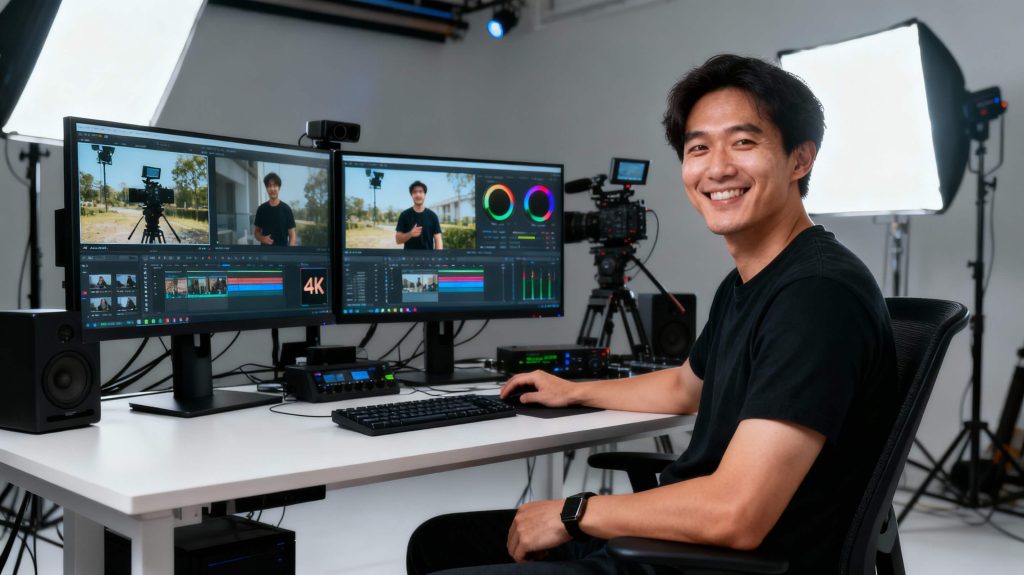
Topaz Video AI delivers professional-grade video enhancement results that justify the investment for serious content creators, filmmakers, and video professionals. The 2025 version represents significant improvements in processing speed, AI model quality, and ease of use compared to earlier versions.
If you regularly work with video footage—whether restoring archives, enhancing smartphone content, or creating professional projects—the results speak for themselves. The learning curve is manageable, the interface is intuitive, and the output quality is genuinely impressive.
However, this tool requires a modern GPU-equipped system and realistic expectations about processing time. Casual users or those without dedicated graphics hardware should explore budget alternatives before committing to the subscription.
Start with the free trial (understanding its watermark limitations), test your hardware’s performance, and make your decision based on actual results with your specific footage. For most serious video creators, the investment pays for itself within the first few professional projects.